
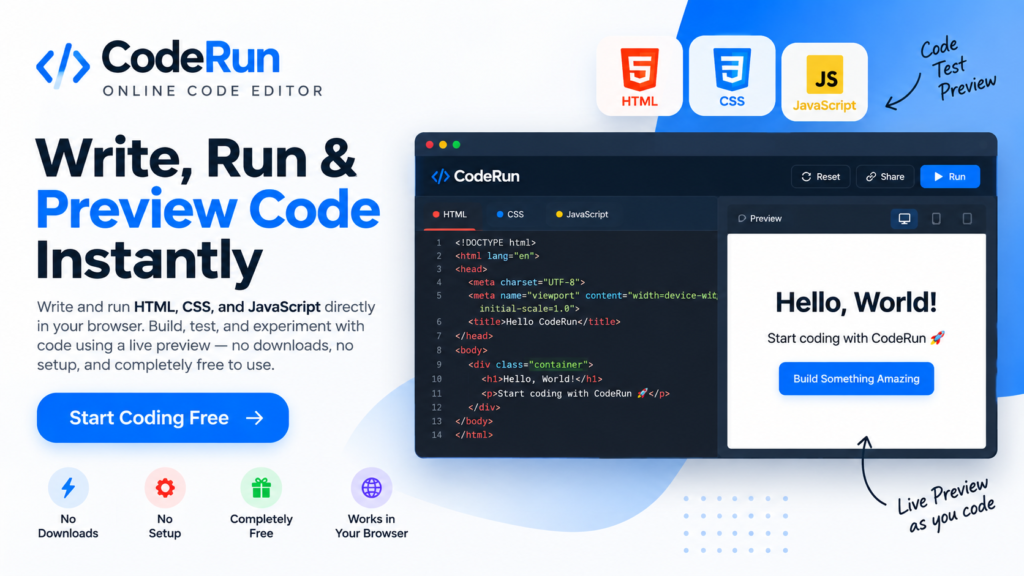
How to Use Starrayto CodeRun
Start coding in 3 simple steps — no software installation required
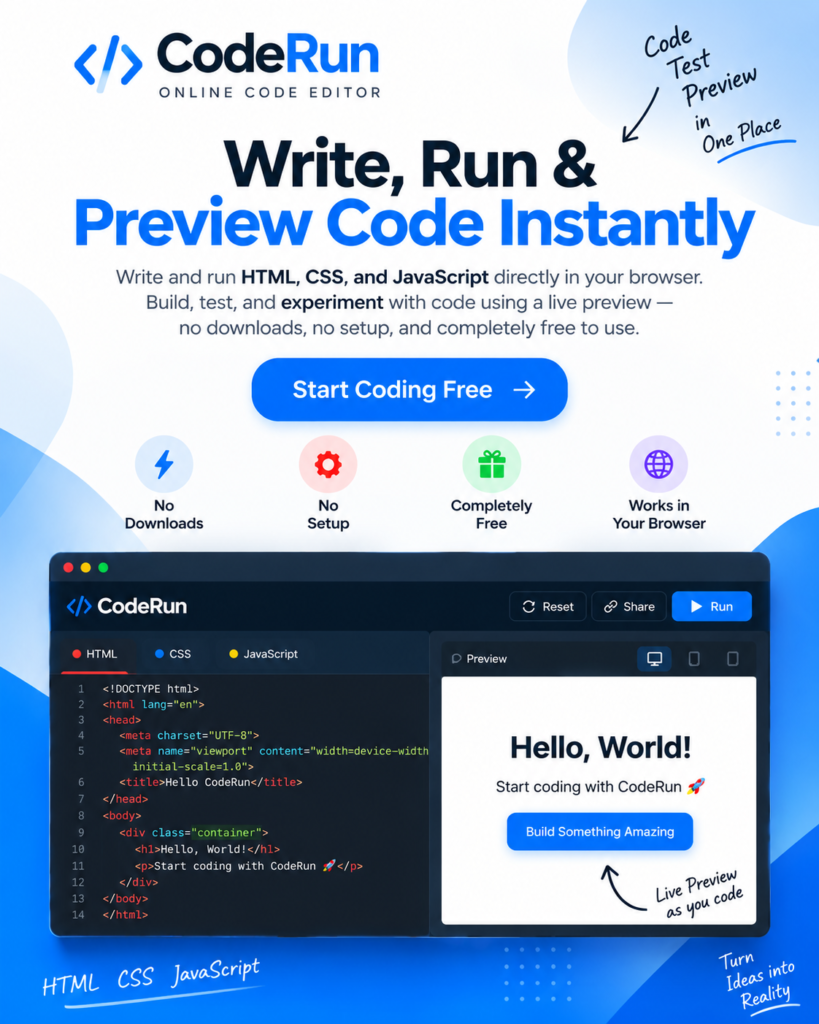
Why Choose Starrayto CodeRun?
A simple, browser-based code editor built for writing, testing, and previewing HTML, CSS, and JavaScript instantly — with no downloads, setup, or subscription required.
Live Code Preview:
Write code and see the results instantly as you edit.
All-in-One Editor:
Write and test HTML, CSS, and JavaScript in one place without switching between tools.
No Setup Required:
Start coding directly in your browser. No software, downloads, or complicated configuration.
Free to Use:
CodeRun is completely free, making it easy to experiment, learn, build, and test ideas without a subscription.
Starrayto CodeRun vs CodePen
| Feature | Starrayto CodeRun | CodePen 2.0 |
|---|---|---|
| HTML Editor | Yes | Yes |
| CSS Editor | Yes | Yes |
| JavaScript Editor | Yes | Yes |
| Live Code Preview | Yes | Yes |
| Browser-Based | Yes | Yes |
| No Software Required | Yes | Yes |
| Free to Use | Yes | Yes |
| Instant Code Testing | Yes | Yes |
| No Download Required | Yes | Yes |
| Simple Interface | Yes | No |
What Our Users Say
Hear from users who have successfully identified songs using Starrayto Song Finder By Reel.
4.9
“Clean interface and instant preview. I can write HTML, CSS, and JavaScript and see every change immediately in real time.”
4.9
“Really simple to use. No downloads or setup needed — just open CodeRun and start coding. Live preview makes testing easier.”
4.9
“Great for testing code and experimenting with new ideas. The live preview makes it easy to test changes instantly.”