
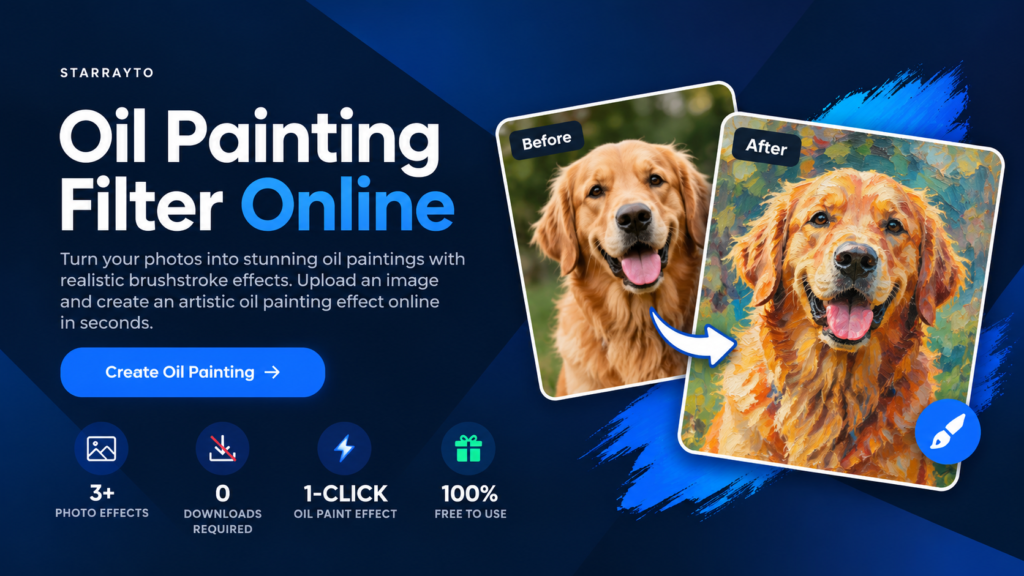
Starrayto Oil Paint Filter
Transform your photos into painted masterpieces instantly.
Upload a Photo
Drag and drop, or click to browse
How to Use the Oil Paint Filter
Turn your photos into oil paintings in 3 simple steps — no software required
Why Choose Starrayto Oil Paint Filter?
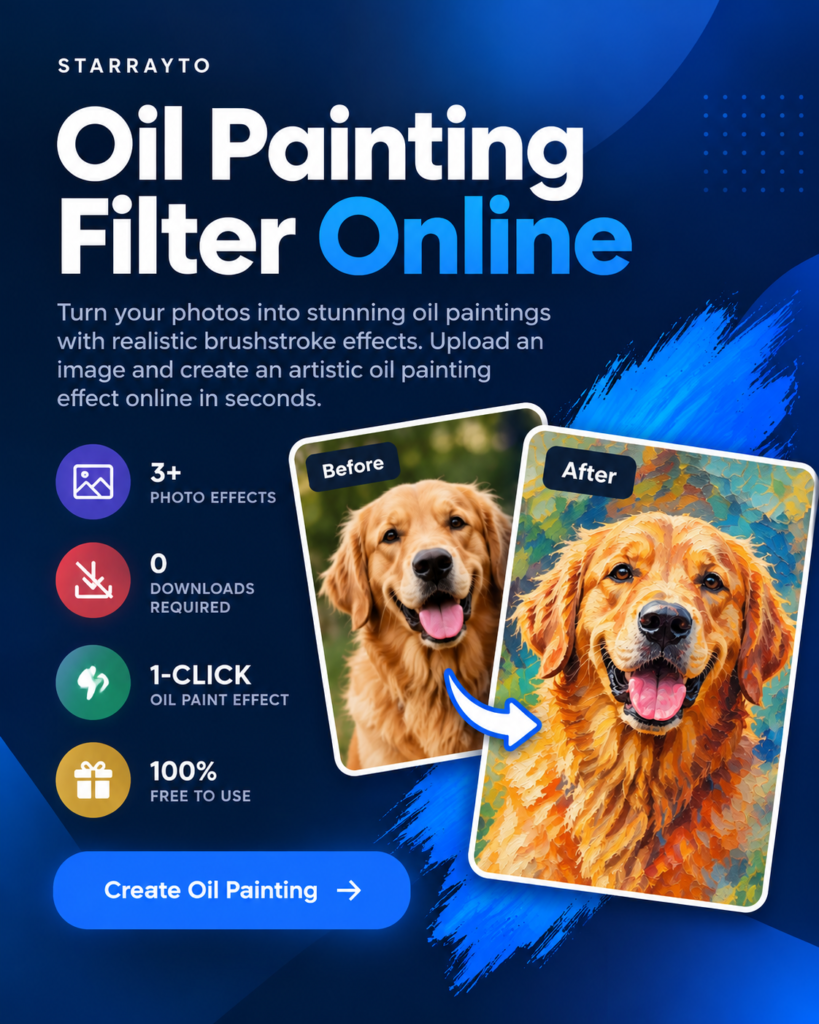
Turn ordinary photos into artistic oil paintings with a simple online tool — no software or complicated editing required.
Easy to Use
Upload your photo and apply the oil paint effect in just a few simple steps.
Artistic Oil Paint Effect
Give your photos painterly textures, blended colors, and brushstroke-style details.
No Software Required
Edit your images directly in your browser without installing additional software.
Free to Use:
Create oil painting effects online without a paid subscription.
Starrayto Oil Paint Filter vs Other Oil Paint Filter
| Feature | Starrayto | Other Tools |
|---|---|---|
| Oil Paint Effect | Yes | Yes |
| Online Tool | Yes | Yes |
| Different Photo Formats Upload | Yes | No |
| No Software Required | Yes | Yes |
| Free to Use | Yes | Varies |
| Easy to Use | Yes | Varies |
| Download Image | Yes | Yes |
What Our Users Say
See what users say about using Starrayto Oil Paint Filter to transform their photos.
4.9
“Simple to use and the oil painting effect gives my photos a great artistic look.”
4.9
“Really easy to use. I uploaded my photo and created an oil painting effect in just a few clicks.”
4.9
“Great tool for turning regular photos into creative oil painting artwork.”