
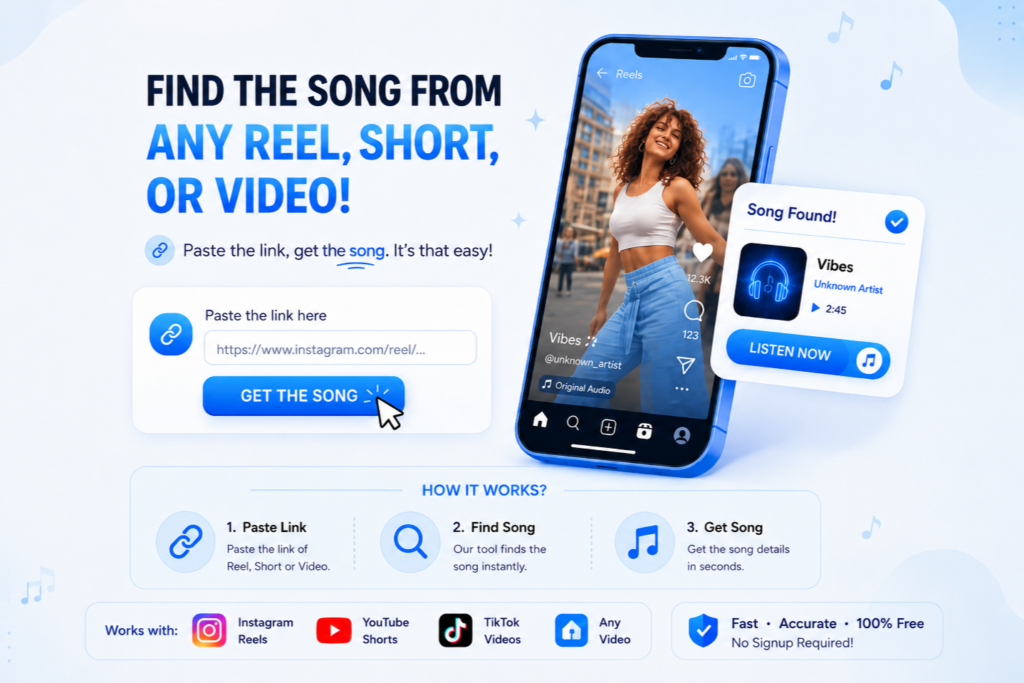

How to Find the Song from Any Video Link
Find the song from an Instagram Reel or video in three simple steps:
Find a Song from an Instagram Reel Without Shazam
You don’t need Shazam to identify a song from an Instagram Reel. With Starrayto Song Finder, simply paste the Reel link and let the tool analyze the video to identify the song. It’s a simple way to find music directly from a Reel without playing the audio on another device.
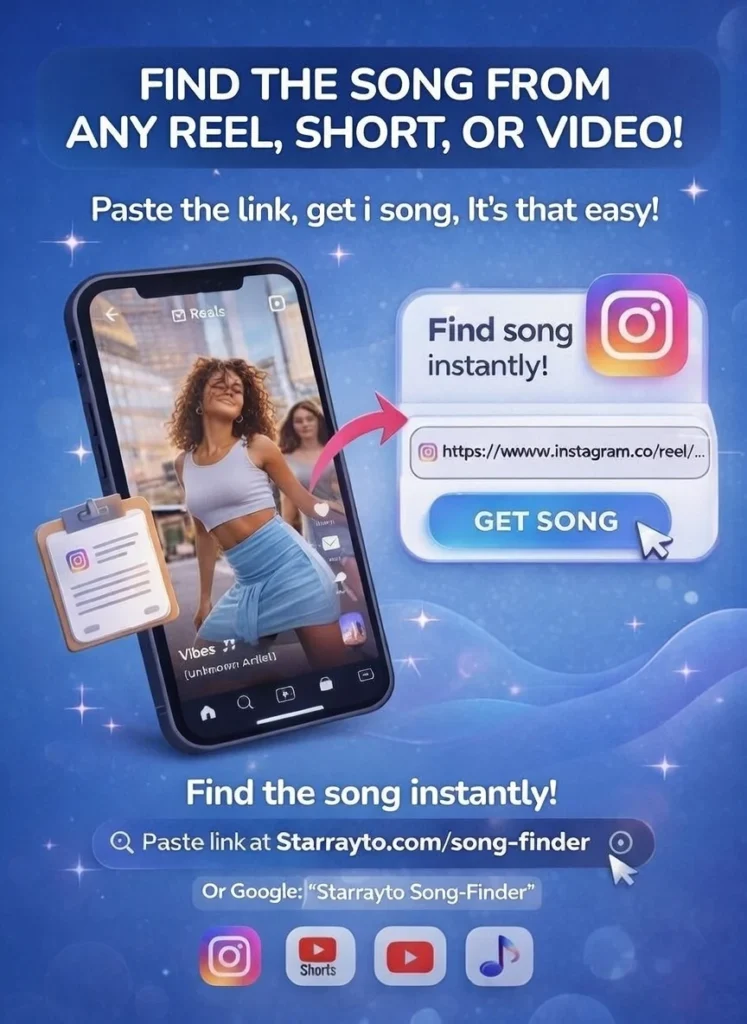
Why Choose Starrayto Song Finder?
Because we use advanced music fingerprints powered by ACRCloud with the largest and constantly updated database of over 180 million tracks, we deliver free, fast, and accurate music identification from Instagram Reels and video links.

Fast & Accurate
Identify the song and artist from your Reel or video in seconds.
Free to Use
Identify songs without subscriptions, credits, or unnecessary steps.
Direct Music Links
Find the identified song and access available YouTube and Spotify links in one place.
No Signup Required
Paste your link and find the song without creating an account.
No Singing or Humming
No lyrics or humming needed. Just paste the video link.
Works with Remixes & Edited Audio
Identify songs from remixes, sped-up, slowed, and edited audio when enough of the original track is recognizable.
Starrayto Song Finder vs Other Song Finders
Starrayto Song Finder, Shazam, AHA Music, TrackRadar, and SongFinder.gg can all identify music, but their features and user experience differ.
Starrayto focuses on finding songs from video links, with no signup required and direct YouTube and Spotify links.
| Feature | Starrayto Song Finder | Shazam | TrackRadar | AHA Music | SongFinder.gg |
|---|---|---|---|---|---|
| Find songs from Instagram Reel | Yes | No | Yes | Yes | Yes |
| Signup Required | No | No | Yes | No | No |
| Free to use | Yes | Yes | Limited | Yes | Yes |
| Direct music links | Yes | Yes | Yes | Yes | Limited |
| YouTube links | Yes | Yes | Yes | Yes | No |
| Spotify links | Yes | Yes | Yes | No | No |
| Watch a Short Ad | No | No | No | Yes | No |
| Fast results | Yes | Yes | Yes | Yes | Yes |
| Account or Credit Restrictions | No | No | Yes | No | No |
What Can Starrayto Song Finder Identify?
Starrayto Song Finder can identify music from Instagram Reels, YouTube Shorts, and supported video links, including:
- Songs used in Instagram Reels
- Background music
- Trending Reel songs
- YouTube Shorts music
- Remixes
- Sped-up and slowed songs
- Edited versions
- Instrumental music
- Music behind voiceovers
- Music from social media videos
Recognition depends on the quality and recognizability of the audio. Very short, heavily edited, distorted, or unreleased recordings may be harder to identify.
How Does Starrayto Song Finder Identify a Song?
Starrayto Song Finder uses acoustic fingerprinting to analyze the audio associated with a submitted video. The system creates a digital representation of the audio and compares it with music in its recognition database. When a match is found, it can return the song title, artist, and available listening links.
Can It Identify Songs with Voiceovers or Edited Audio?
Yes, you can try using Reels containing voiceovers, dialogue, background noise, remixes, sped-up songs, slowed songs, and other edits. Recognition works best when enough of the original music remains clearly audible.
Why Can’t I Find the Song from My Reel?
A song may not be identified when:
- The audio is heavily edited
- Voice or background noise covers the music
- The music clip is very short
- The recording is unreleased or obscure
- The Reel uses a custom or original audio track
If the first Reel doesn’t work, try another Reel using the same song, preferably one with a longer and clearer section of music.
How to Get Better Results
For the best chance of finding a match:
- Use clear audio: Choose a Reel where the music is easy to hear.
- Use a longer clip: More recognizable music gives the system more information.
- Try the original Reel: You can submit sped-up, slowed, or edited audio as it is.
- Try another Reel: If one video doesn’t work, another version of the same song may provide clearer audio.
What Does “Original Audio” Mean on Instagram?
Instagram may label a Reel as Original Audio when the creator uploads or creates the audio themselves. This doesn’t necessarily tell you the actual song being used. If recognizable music is present, you can copy the Reel link and try it with Starrayto Song Finder.
Find a Song from Any Video
You can use a supported video link as the starting point for music identification. Simply copy the link, paste it into Starrayto Song Finder, and let the system analyze the audio.
Frequently Asked Questions
Is Starrayto Song Finder free?
Yes. Starrayto Song Finder is free to use and does not require a subscription, app installation, or account to start identifying a song.
Do I need to know the lyrics?
No. The tool analyzes the audio, so you don’t need to know the lyrics, artist, song title, or language.
Do I need to download the Instagram Reel?
No. When supported, you can use the Reel URL directly instead of downloading the video first.
Do I need an Instagram account?
No. You don’t need to log into Instagram through Starrayto Song Finder.
What do I get when a song is found?
When a match is available, Starrayto Song Finder can provide the song title, artist, and available listening links, including YouTube and Spotify links.
Can I find a song from a YouTube Short?
Yes. You can submit a supported YouTube Short link and try to identify the music used in the video.
Can it identify remixes, sped-up, or slowed songs?
You can submit remixes, sped-up songs, and slowed or reverb versions. Results depend on how much recognizable information from the original recording remains.
Can it identify music behind a voice?
It may be able to identify background music when enough of the music is audible. Heavy voiceovers, dialogue, or other sounds can make recognition more difficult.
What if my song cannot be identified?
Try another Reel containing the same song, preferably with a longer and clearer section of music. Some recordings may also be unavailable in the recognition database.
Is Starrayto better than Shazam for Instagram Reels?
They are designed around different starting points. Shazam is useful for recognizing music your device can listen to, while Starrayto Song Finder is designed around submitting a video link. If you already have an Instagram Reel URL, Starrayto can be more convenient.
How long does it take to identify a song?
The recognition process is designed to return results quickly, although processing time can vary depending on the video.
Can I use Starrayto Song Finder on my phone?
Yes. Starrayto Song Finder works through a web browser, so you can use it on a compatible mobile browser without installing an app.
What Our Users Say
Hear from users who have successfully identified songs using Starrayto Song Finder By Reel.
4.9
“I saved a Reel days ago and forgot the music. Pasted the link here and got the song immediately.”
4.9
“Clean interface, quick results, and no downloads needed. This is the easiest song finder I’ve used.”
4.9
“I pasted an Instagram Reel link and got the song name in seconds. Super fast and very accurate.”
4.9
“I spent so long searching comments and lyrics for a Reel song. Pasted the link here and found it in seconds. Huge relief.”
4.9
“I tried multiple music finder apps with no luck. Dropped the Reel link here and got the exact song almost instantly.
4.9
“Works perfectly for Reels. Even remix songs were identified correctly. Perfect For Someone Looking To Identify Remix Songs ”