

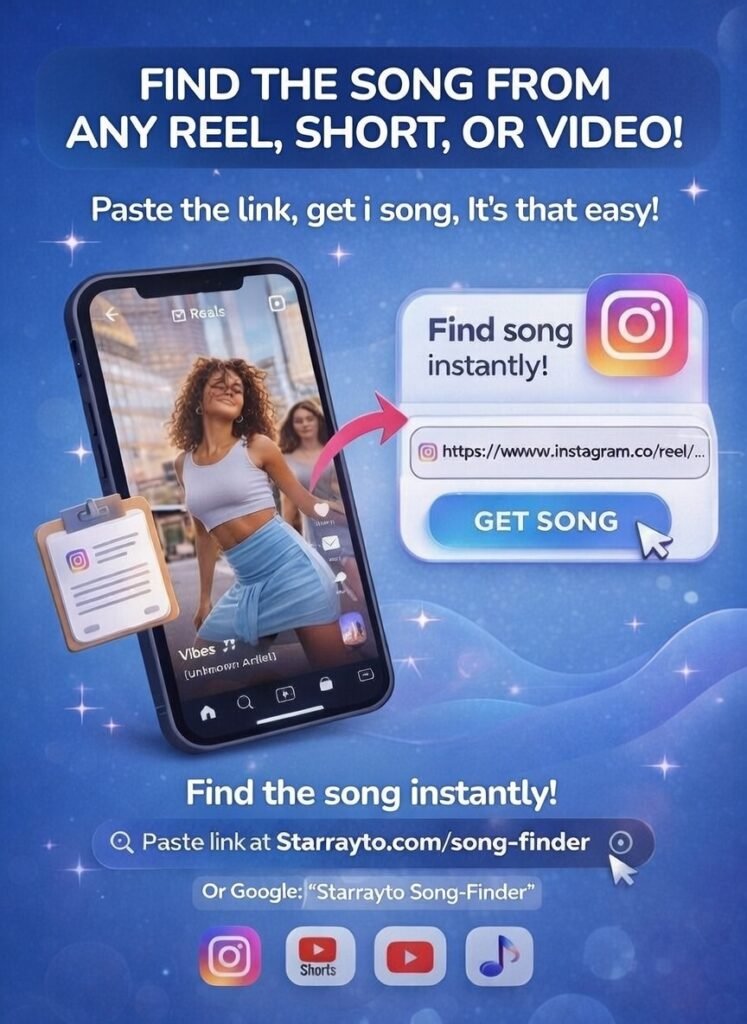
How to Use Starrayto Song Finder (Step by Step)
1. Copy the Video Link
Find a song you like on Instagram Reels or YouTube Shorts and copy the video link.
2. Paste the Link into Song Finder
Paste the copied link into the Starrayto Song Finder input box.
3. Click “Find Song”
Our AI instantly extracts and analyzes the audio from the video.
4. Get the Song Details
In 2 seconds, you’ll see the song name, artist, and music links to listen or save.
“I pasted an Instagram Reel link and got the song name in seconds. Super fast and very accurate.”
“Instagram didn’t show the song name, but this tool found it instantly. No app, no login, just paste the link.”
“Works perfectly for YouTube Shorts and Reels. Even remix songs were identified correctly.”
“I saved a Reel days ago and forgot the music. Pasted the link here and got the song immediately.”
“Clean interface, quick results, and no downloads needed. This is the easiest song finder I’ve used.”
“I spent so long searching comments and lyrics for a Reel song. Pasted the link here and found it in seconds. Huge relief.”

Song Finder Frequently Asked Questions (FAQ)
1. How can I find a song from an Instagram Reel?
To find a song from an Instagram Reel, copy the Reel link and paste it into Starrayto Song Finder. The tool analyzes the audio and shows the song name and artist within seconds.
2. Can I find Instagram Reel songs using only a link?
Yes. You don’t need the audio playing. Just copy the Instagram Reel URL, paste it on the song finder page, and click Find Song.
3. Does this work on remix or sped-up Reel songs?
Yes. Starrayto Music Finder can identify remix, slowed, sped-up, and edited Reel audios using AI-based music recognition.
4. Do I need to install any app to find Reel songs?
No. Starrayto Song Finder works completely online. No app download, no signup, and no login required.
5. Is Starrayto Song Finder free to use?
Yes. You can use the Instagram Reel song finder for free to identify songs from public Reels. With No Sign Up Too.
6. Can this tool find background music in Instagram Reels?
Yes. Even if the music is playing quietly behind voice or dialogue, the tool can still detect and identify the background song.
7. Why doesn’t Instagram always show the correct song name?
Instagram’s built-in music labels are sometimes missing or incorrect, especially for remixes or reused audio. That’s why link-based song finders are more accurate.
8. Does this work on private Instagram Reels?
No. The tool only works with public Instagram Reels. Private or restricted Reels cannot be analyzed.
9. How long does it take to find a song from a Reel?
Usually between 2 and 5 seconds, depending on the Reel length and audio quality.
10. Is this better than Shazam for Instagram Reels?
For Reels, yes. Shazam needs live audio, while Starrayto Song Finder works directly from the Reel link – even after the video is saved.
11. Can creators use this to find trending Reel songs?
Absolutely. Content creators use Starrayto Song Finder to discover trending Instagram Reel songs and reuse them in their own content.
12. What platforms does this song finder support?
Currently, it supports Instagram Reels and short-form video links designed for music discovery.