


“The file conversion was quick and smooth. I converted multiple documents at once and everything worked perfectly without losing quality.”
“I needed to convert video and PDF files urgently, and this tool made it incredibly easy. No sign-up, no hassle – just fast results.”
“I regularly convert images and PDFs for work, and this tool has been a huge time saver. The bulk conversion feature works flawlessly.”
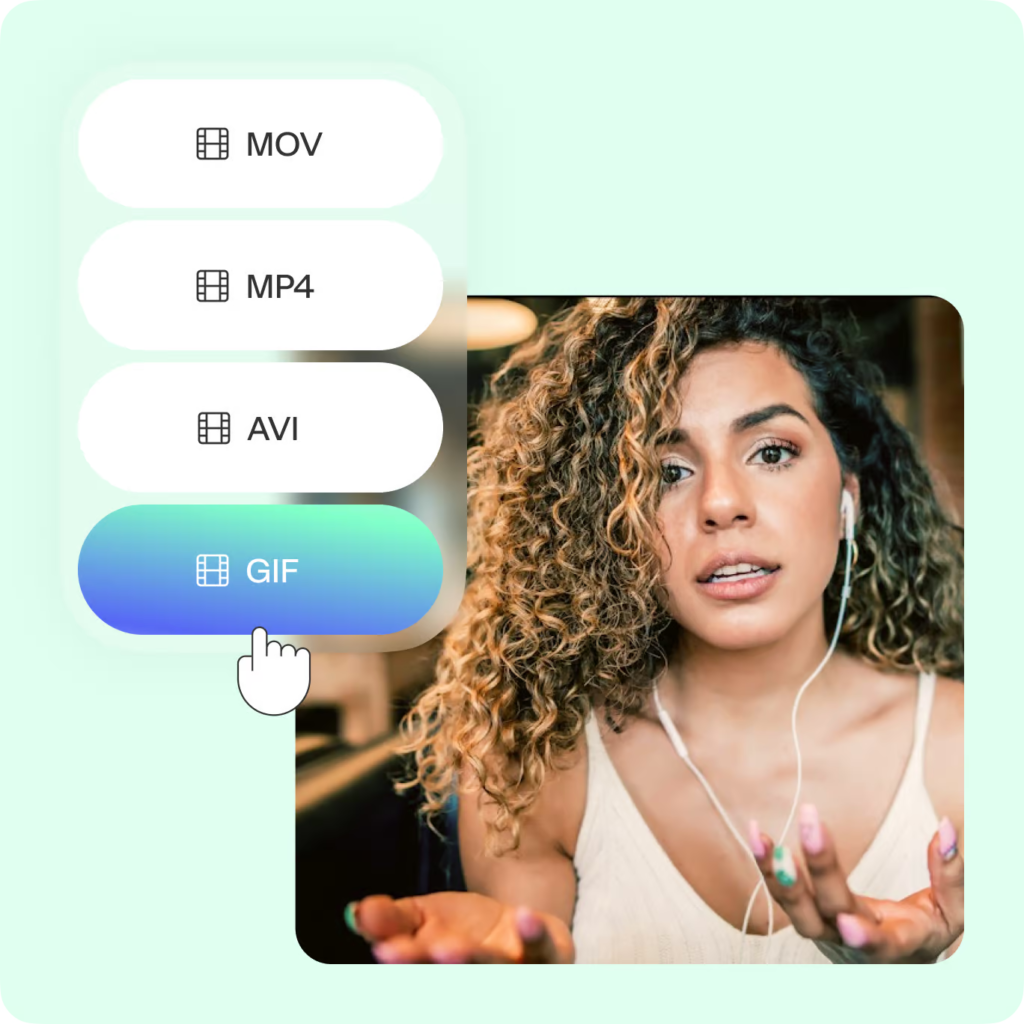
“Very clean interface and super fast processing. I converted video files without any quality issues. Highly recommended.”
“I like that it’s completely free and doesn’t require registration. It’s simple, efficient, and supports all the formats I need.”
“Converted multiple audio files in one go and everything downloaded instantly. The experience was smooth on both desktop and mobile.”
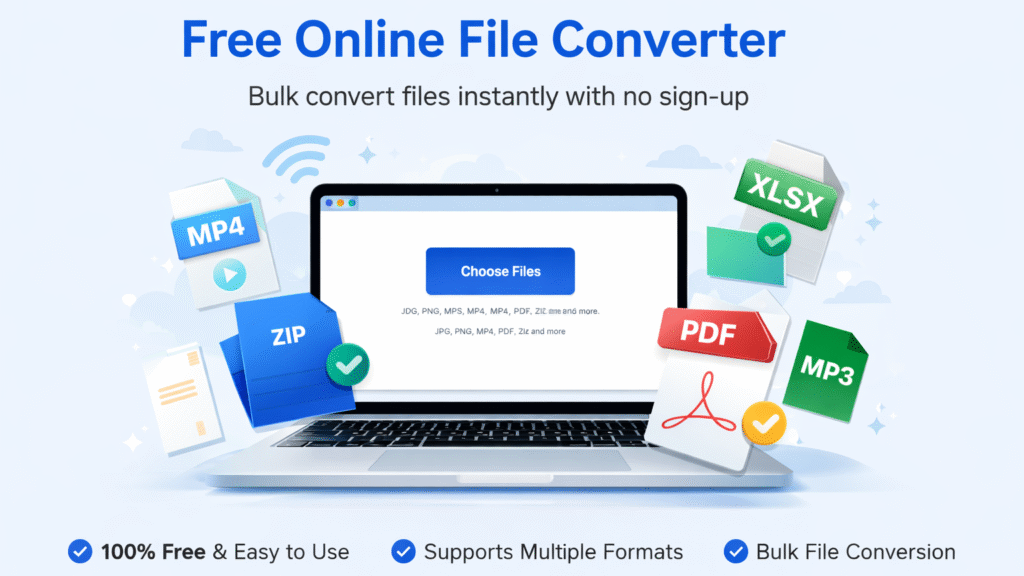
Image Compressors FAQs
1. Is this file converter really free?
Yes, our file converter is completely free to use. You can convert files without creating an account or paying any subscription fees.
2. Can I convert multiple files at once?
Yes, bulk file conversion is supported. You can upload and convert multiple files in one session to save time and improve productivity.
3. What file formats are supported?
We support a wide range of formats including images (JPG, PNG, WEBP), videos (MP4, MOV, AVI), audio files (MP3, WAV), documents (PDF, DOCX), spreadsheets, and archives such as ZIP.
4. Is my file data secure?
Yes, your files are processed securely. All uploaded files are automatically deleted from our servers after conversion to protect your privacy.
5. Do I need to install any software?
No installation is required. Our file converter works entirely online in your browser on desktop, tablet, and mobile devices.
6. Is there a file size limit?
File size limits may depend on server capacity, but most standard file sizes are supported. For best performance, ensure your file size is within reasonable limits.
7. Does the quality change after conversion?
Our converter is designed to maintain the highest possible quality depending on the selected format and settings.
8. Can I use this tool on mobile?
Yes, the file converter works smoothly on Android, iOS, Windows, Mac, and Linux devices.